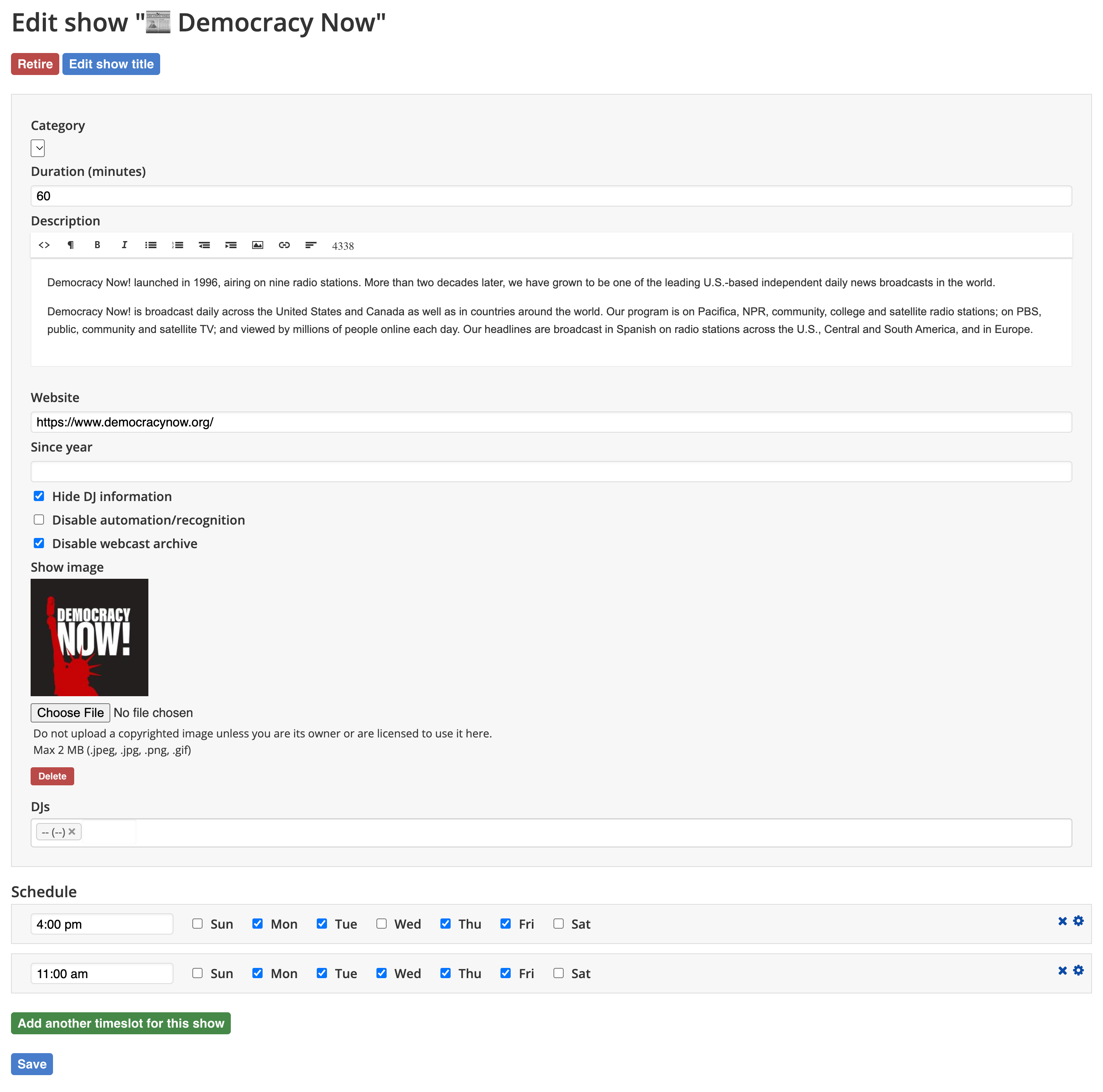
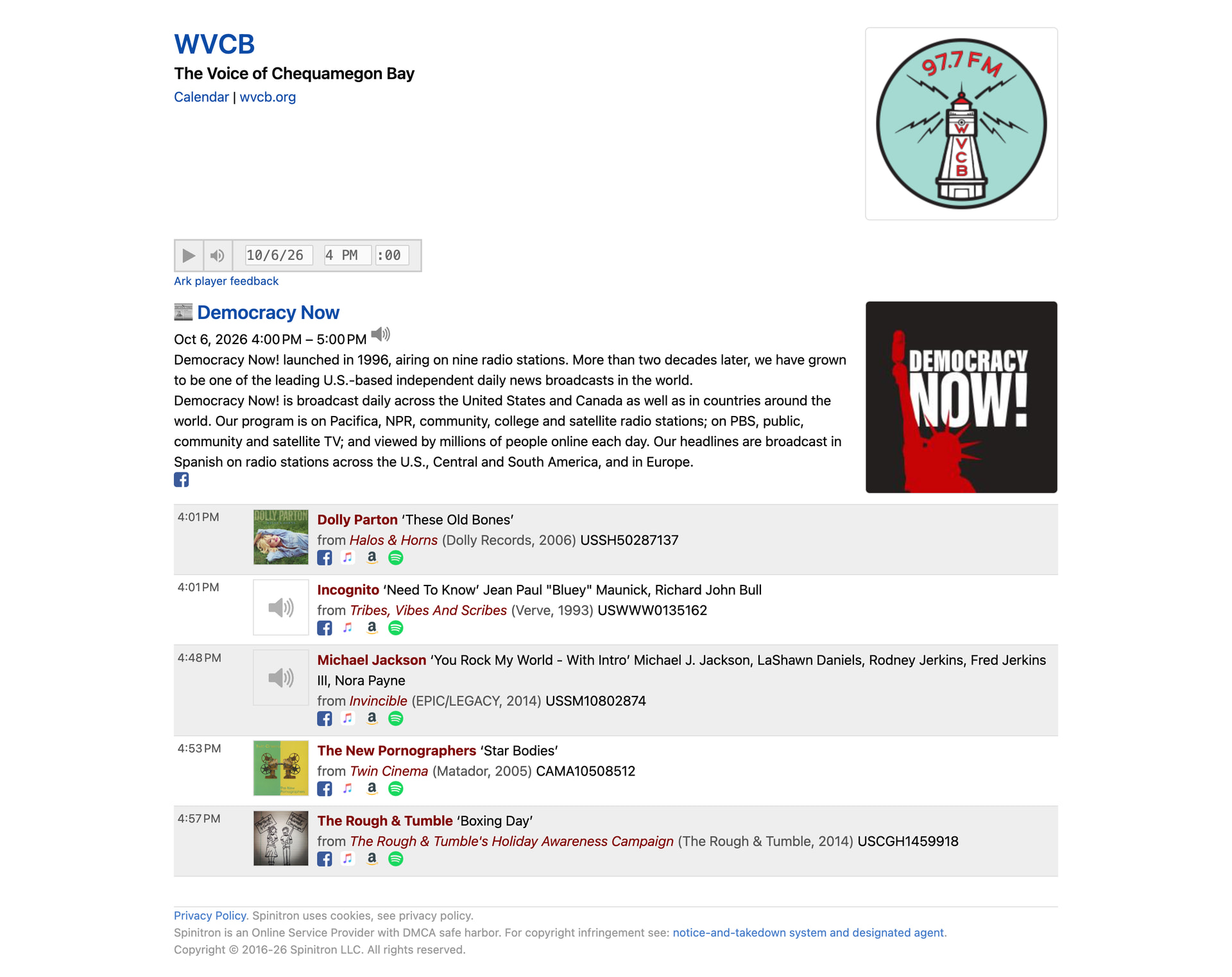
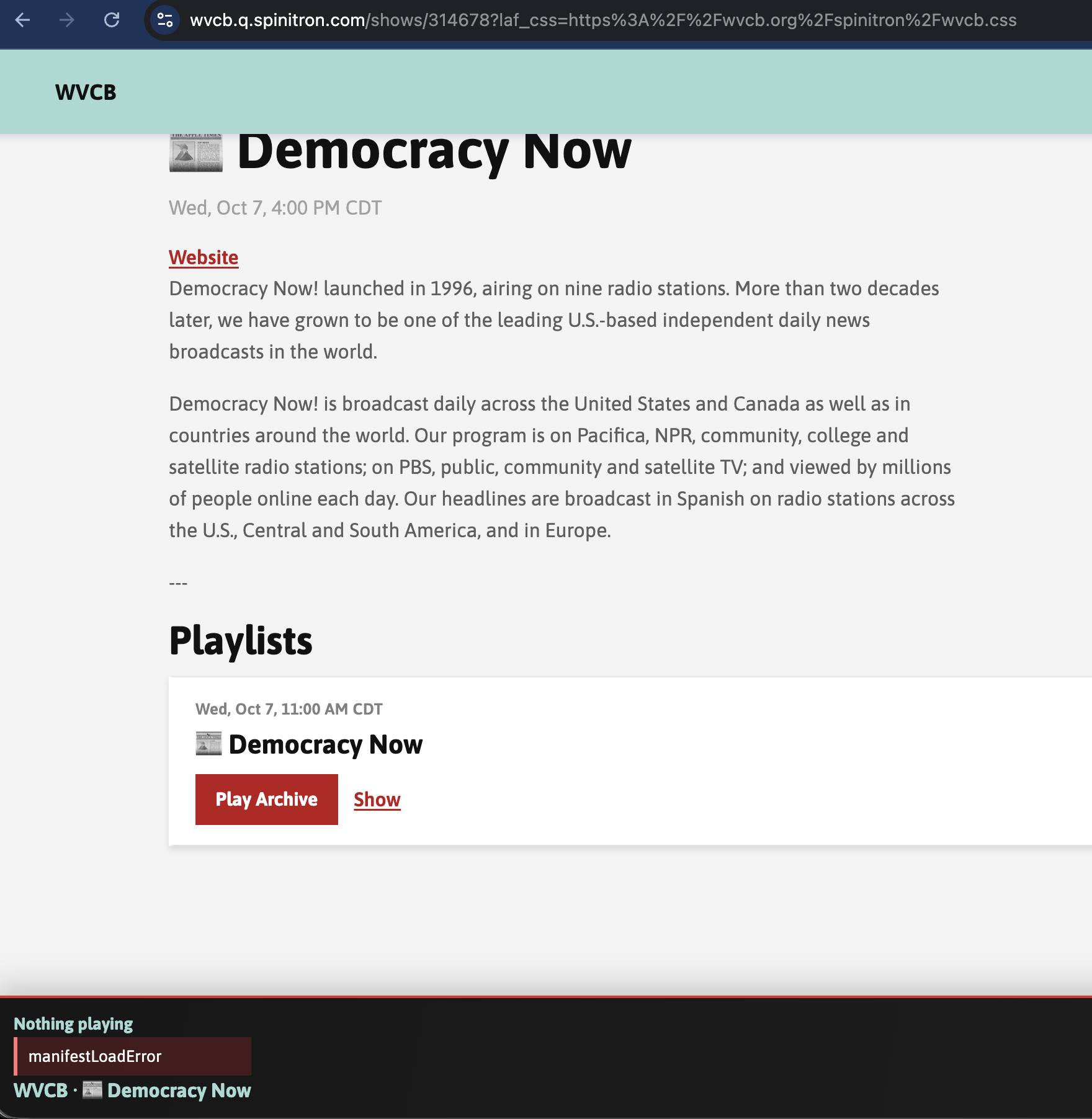
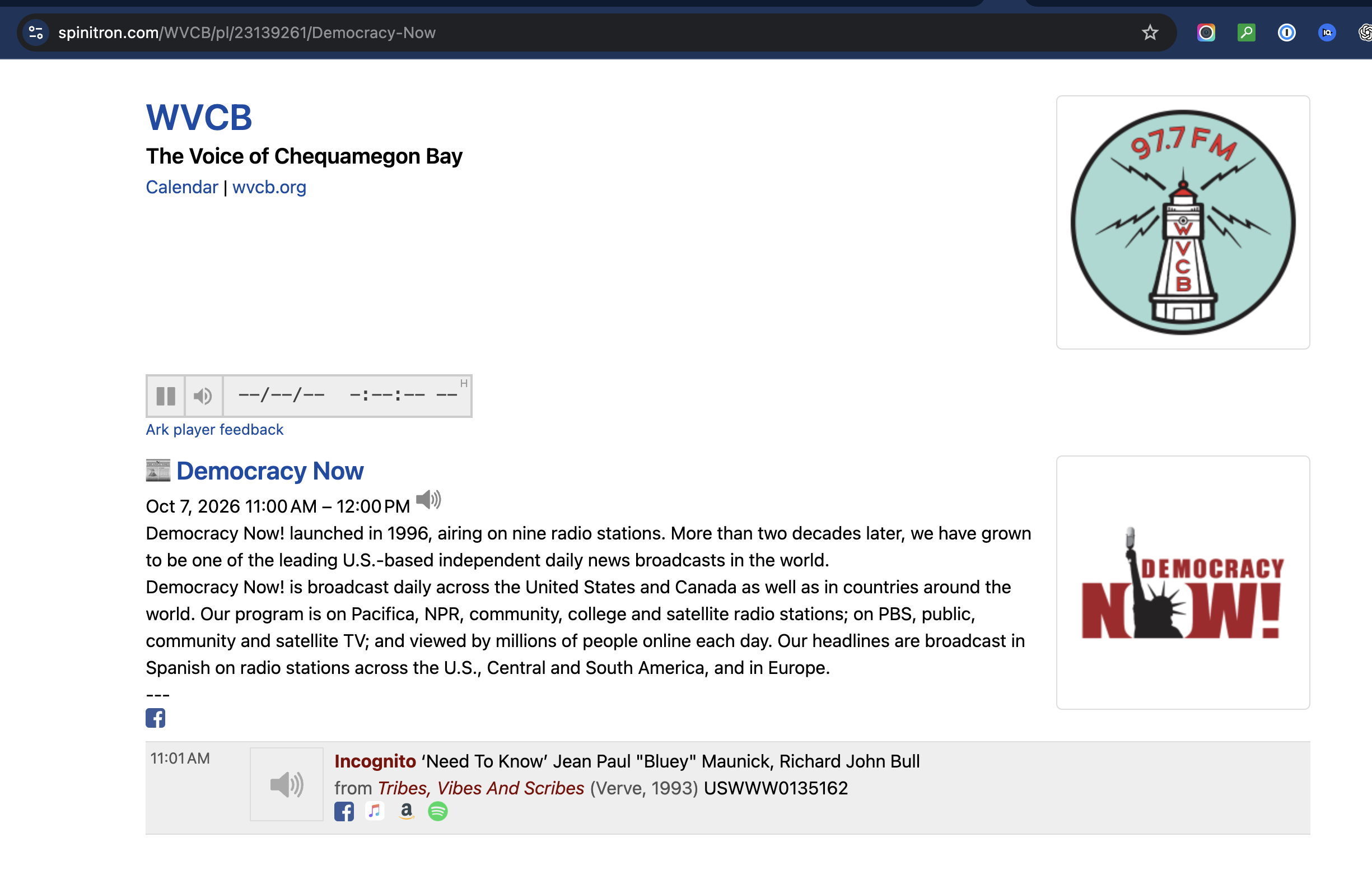
We’ve made quite a few modifications to our schedule over the past several months, and we are seeing shows displaying the Ark player on both the standard show pages and new SPA app. For example, I “retired” previous versions of this show, then created a new one this morning. On the new scheduled show, I checked the “Disable Webcast Archive” box, but after the show ran this morning at 11am CST, the archive button is now there (however, it’s reporting “manifestLoadError” in the SPA app’s player).
Previous iterations of this scheduled show also had the “Disable Webcast Archive” box checked, but those still show the player and have the show archived as well.
We are in a position where we would be comfortable deleting all scheduled items and start from scratch if needed. We’d just like to know if/where we may have gone wrong in building the schedule and if our implementation of the “Disable Webcast Archive” checkboxes is incorrect – we want to ensure certain shows are not archived at all.
The way it works is a little confusing. I’m sorry.
The archive exclusions don’t affect display, they affect the streams.
All archive streams are 5 hours long for legal reasons. So any archive stream could span, or start during or end during an excluded interval. The server edits these out on the fly in the audio. The user interfaces in Spinitron public pages and SPA don’t display the exclusions.
For example, let’s say a two hour show starting 2pm yesterday is excluded. You can dial in 3pm yesterday as the player start date and time and you’ll get a 5-hour stream starting at 4pm. You follow?
I don’t even know how to imagine a UI that can represent such things but we can put something on the todo list.
And it’s complicated by the fact that the players do not have access to the exclusions. The SPA works off the Spinitron v2 API and exclusions are not included there. The Ark-Player on Spinitron web doesn’t have any API access at all seeing as it’s just a JavaScript.
Do we need to forgo music recognition entirely to also remove the ark player from displaying? In other words, both these boxes checked? That’s the only difference I can see in our settings.
X Disable automation/recognition
X Disable webcast archive
Ideally, we’d like to keep the recognition for specific shows so we have the record of what’s played, just not display the Ark player for those shows. But, we’d be happy just to have the player not display at all for specific shows like we do on Joe Frank on WVCB .